
How to Eliminate Wi-Fi Dead Zones: Proven Solutions for Canadian Homes
The Struggle with Spotty Wi-Fi
Few things are more frustrating than losing your Wi-Fi signal in your own home. Whether it’s your basement, garage or upstairs bedroom, Wi-Fi dead zones can interrupt work calls, freeze your Favorite Netflix show and disrupt smart-home devices.
In 2025, with Canadians relying more on smart appliances, streaming and remote work, it’s essential to understand how to eliminate weak connectivity once and for all.
Step 1: Identify Your Wi-Fi Dead Zones
Before fixing the issue, you need to know where the problem lies.
Use tools like WiFi Analyzer or NetSpot to create a heatmap of your signal strength. These apps visually show where your Wi-Fi drops off, usually behind thick walls, metal objects or far corners of your home.
Tip: Record your device signal strength in each room to identify low-coverage areas.
Step 2: Optimize Router Placement
Your router’s position makes a huge difference. Most homeowners hide their routers behind furniture or inside cabinets, but that restricts signal spread.
- Place your router in a central location on an elevated surface.
- Avoid walls, mirrors and metal surfaces that reflect signals.
- Keep it away from microwaves, cordless phones and Bluetooth devices that cause interference.
If you’re using a UniFi Dream Router or AmpliFi Alien, positioning it strategically can boost coverage dramatically across multiple floors.
Step 3: Upgrade to a Mesh Wi-Fi System
For larger Canadian homes, a single router often can’t cover every corner. That’s where Mesh Wi-Fi systems come in.
Mesh systems like AmpliFi Mesh or UniFi Wi-Fi 6 Access Points create a web of interconnected nodes, ensuring seamless coverage throughout your home.
As you move from room to room, your device automatically connects to the strongest node without dropping the signal.
Benefits include:
- Consistent speed across large spaces
- Unified management from a single app
- Easy scalability, just add more nodes when needed
Step 4: Use Range Extenders or Powerline Adapters
If you don’t want to upgrade to a full mesh setup, consider Wi-Fi range extenders or powerline adapters.
Range extenders amplify existing signals, while powerline adapters use your home’s electrical wiring to deliver internet to hard-to-reach areas. These are budget-friendly options ideal for small to medium-sized homes.
Step 5: Maintain and Secure Your Network
Once your signal strength is optimized, ensure your network runs efficiently by:
- Updating firmware regularly
- Using WPA3 encryption for security
- Limiting connected devices during peak usage
- Rebooting routers monthly to clear cache and improve performance
Conclusion: Build a Stronger Connection for Every Corner
Eliminating Wi-Fi dead zones isn’t about guesswork, it’s about strategic upgrades and smart positioning.
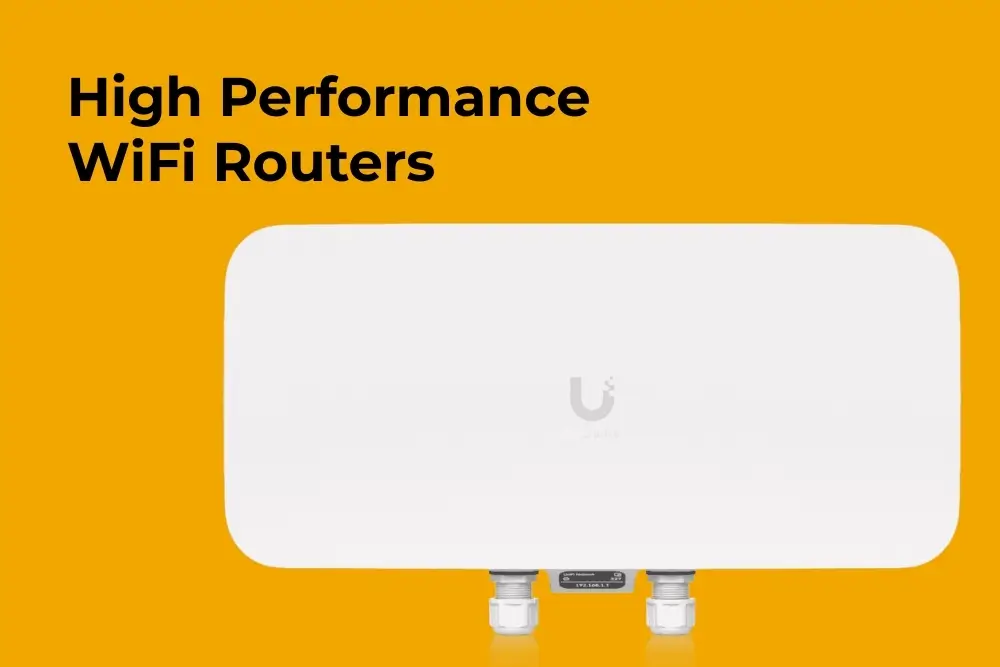
Whether you’re setting up a new home network or improving your existing one, using high-performance routers, access points and mesh systems from Dezinic Solutions can help you enjoy fast, consistent and secure connectivity across your entire Canadian home.
If you have any questions regarding “Eliminate Wi-Fi Dead Zones”, feel free to contact via email at order@dezinicsolutions.com or call us at (647) 707-6109.
Disclaimer: Above information is subject to change and represent the views of the author. It is shared for educational purposes only. Readers are advised to use their own judgement and seek specific professional advice before making any decision. Dezinic Solutions is not liable for any actions taken by reader based on the information shared in this article. You may consult with us before using this information for any purpose.